 Clickwork
The TV remote that clicks back.
Clickwork turns your iPhone into a remote with keys that move, sound and feel like a good physical one. Then it does the things a plastic remote can't.
7 days free · then one payment, no subscription · no account
Press it. It presses back.
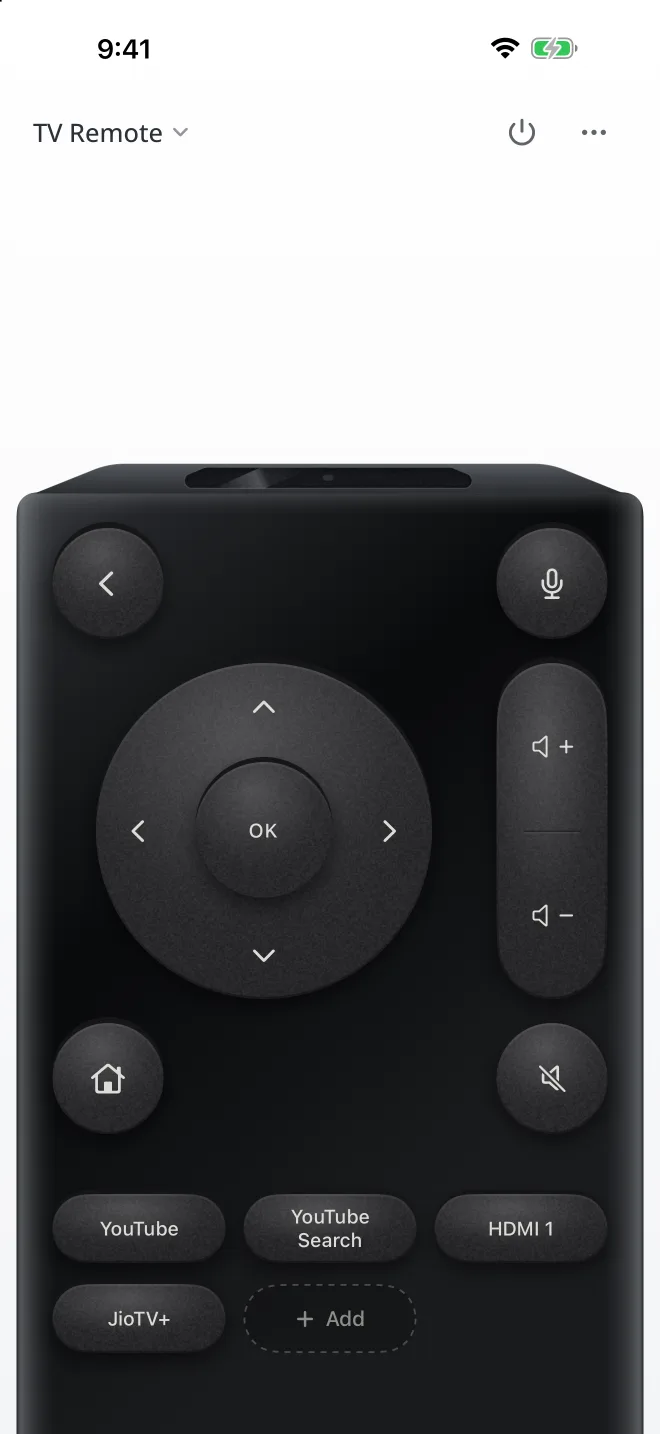
Most phone remotes are a grid of flat buttons. We spent our time on the part your thumb touches, and made each finish sound and feel like what it's made of.
Keys with travel
Every key has a side wall. It sinks when you press and springs back when you let go, even on a quick tap.
A click for each finish
Black is soft matte rubber with a low thud. White is brushed aluminium with a crisp click. Retropad is an old console pad with chunky red buttons.
Light that moves
Tilt the phone and the shine slides across the keys. The IR window blinks green with every press.
Then it does what plastic can't
Fewer arrow presses, less typing, and the right buttons for whatever's on screen.
Paired in seconds
It finds your TV on Wi-Fi. Point the camera at the code on screen and it reads it for you. One TV? It goes straight to the camera.
Knows what's on
In YouTube or Netflix, play and skip take the D-pad's place. On live TV or HDMI you get channels, numbers, Guide and Input.
Learns your apps
Watch the same app a couple of times and Clickwork offers a one-tap button for it.
Your own buttons
Make a shortcut for an app, a link, one key, or a run of presses like Input, down, OK. Long-press to change it.
Less typing
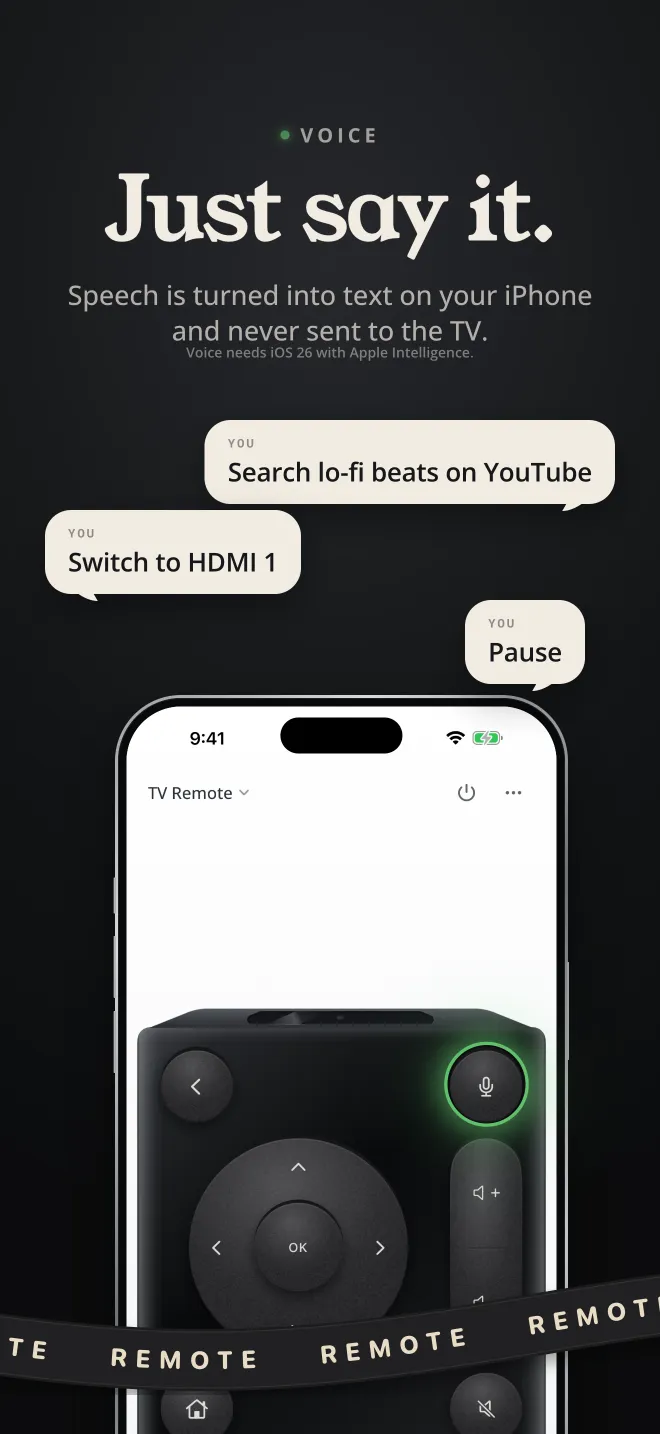
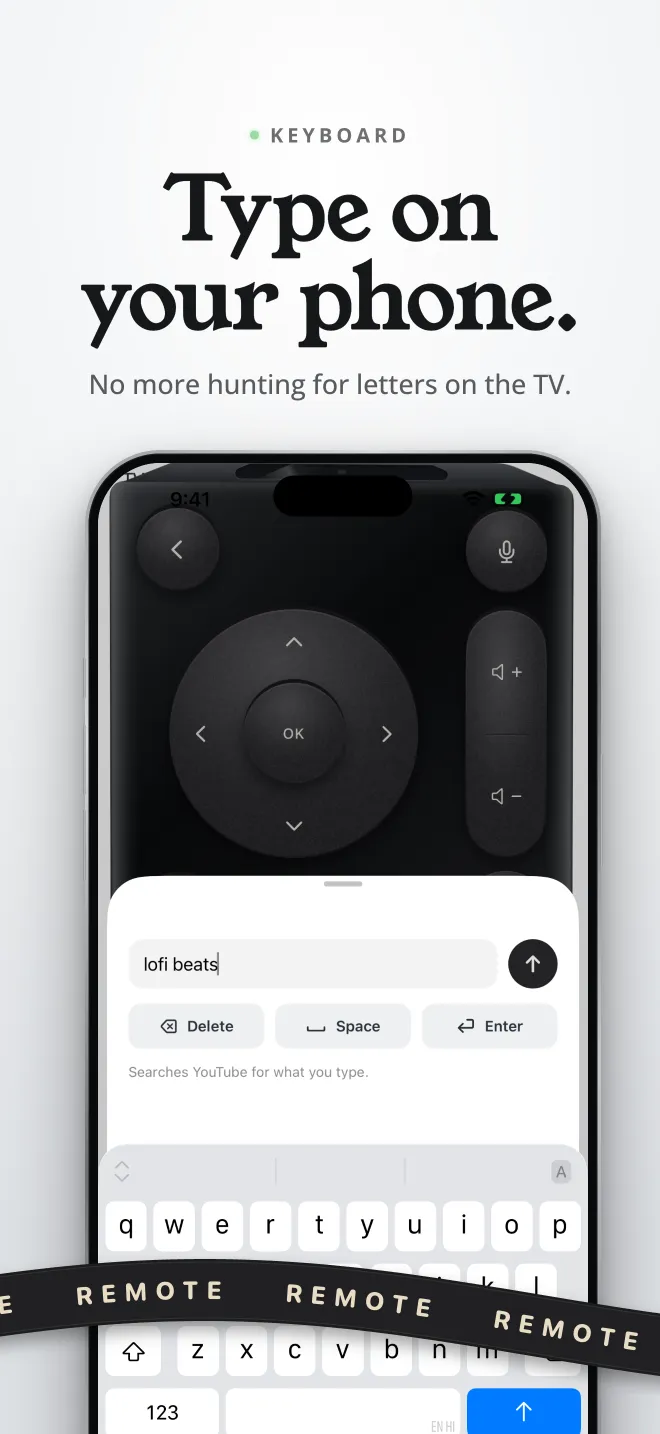
Type on your phone instead of picking letters with arrows. Or say it: "search lo-fi beats on YouTube", "HDMI 1", "pause".
Wakes your TV
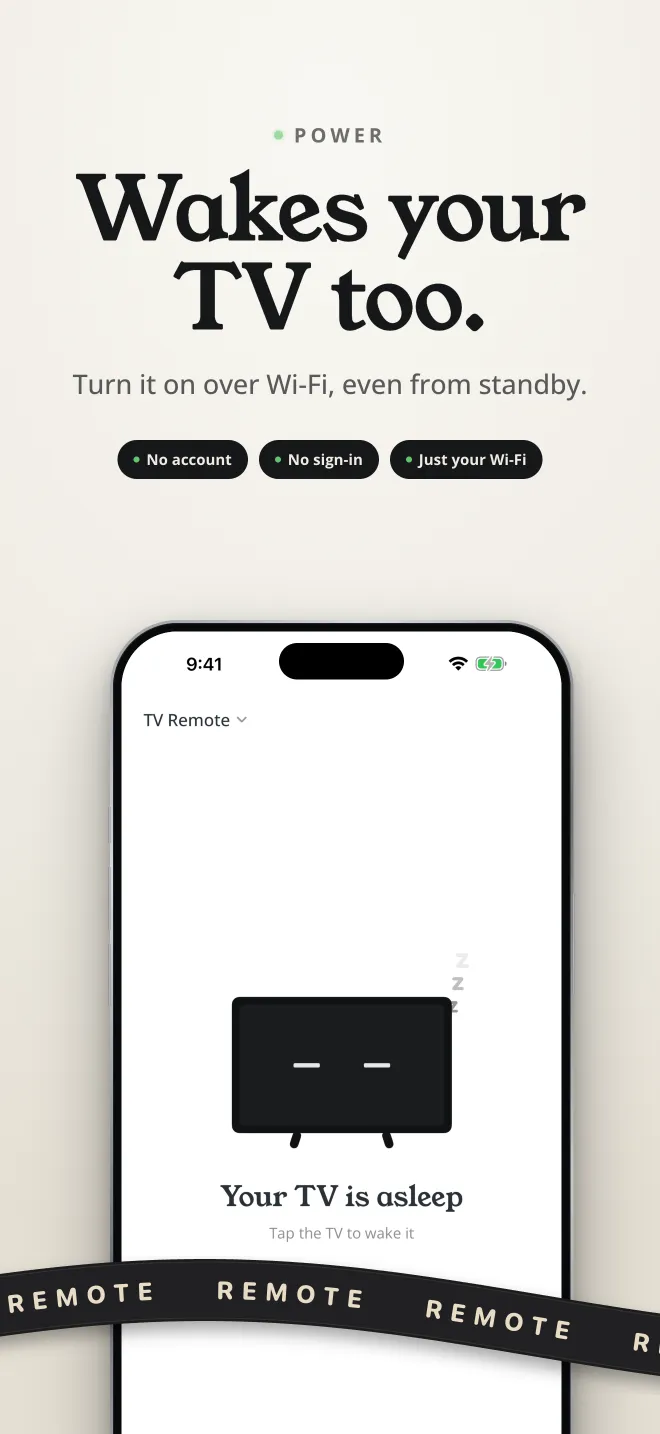
Many Android TVs stop listening once they're off. Clickwork wakes them over Wi-Fi, screen and all, on TVs that allow it.
Within thumb reach
Built for one hand. When shortcuts run below your thumb, drag the remote up by its body and they come to you.
Skip the app
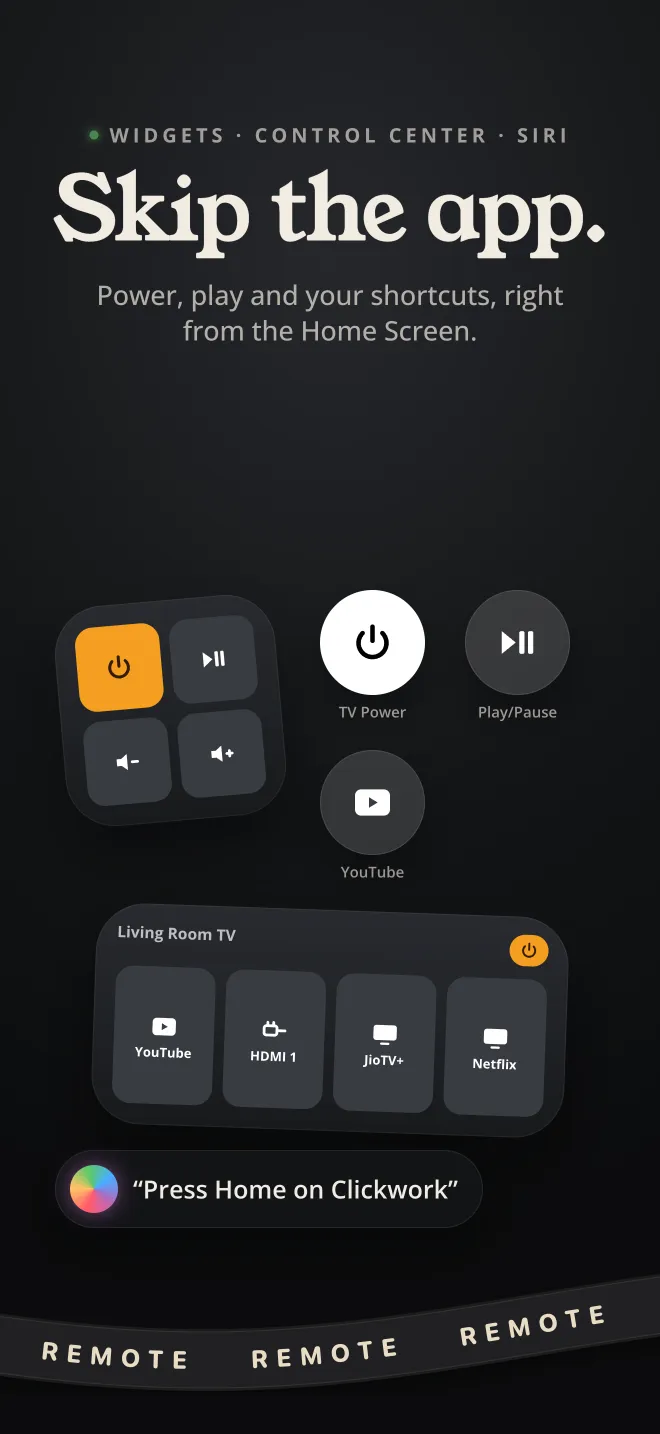
Home Screen widgets, Control Center buttons and Siri: "Press Home on Clickwork".
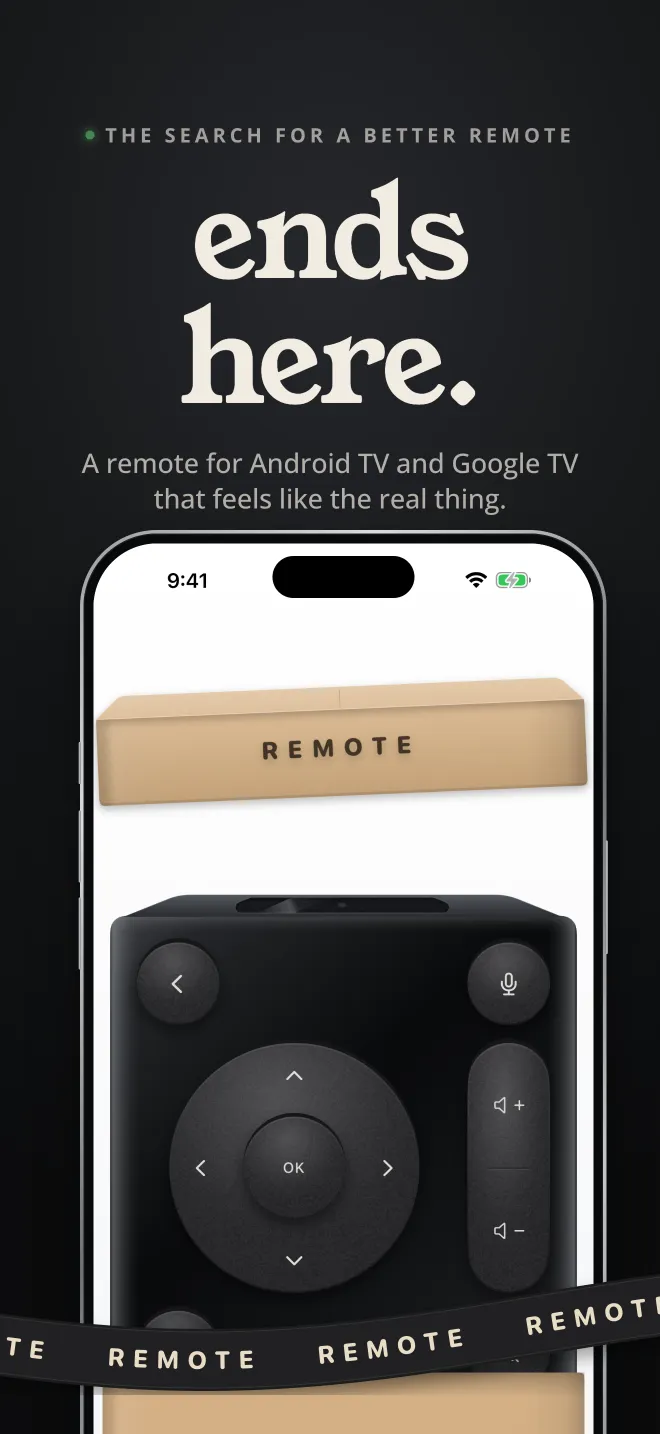
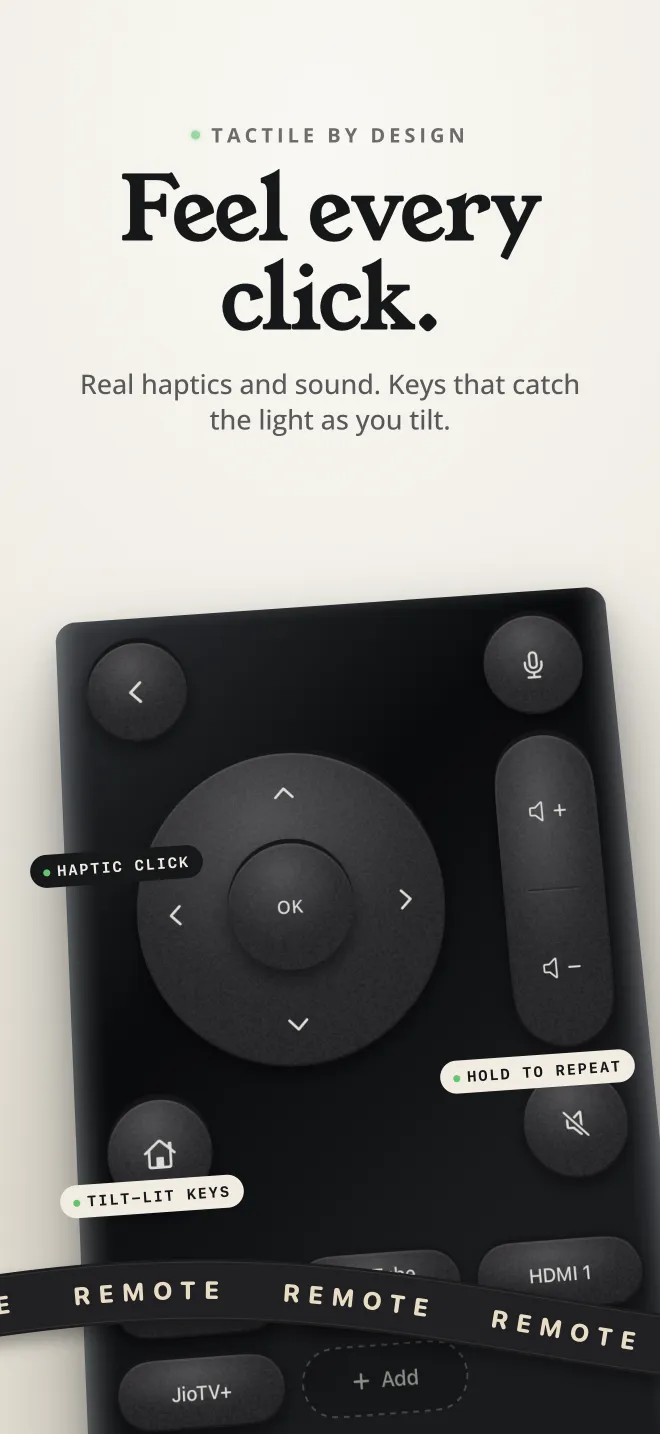
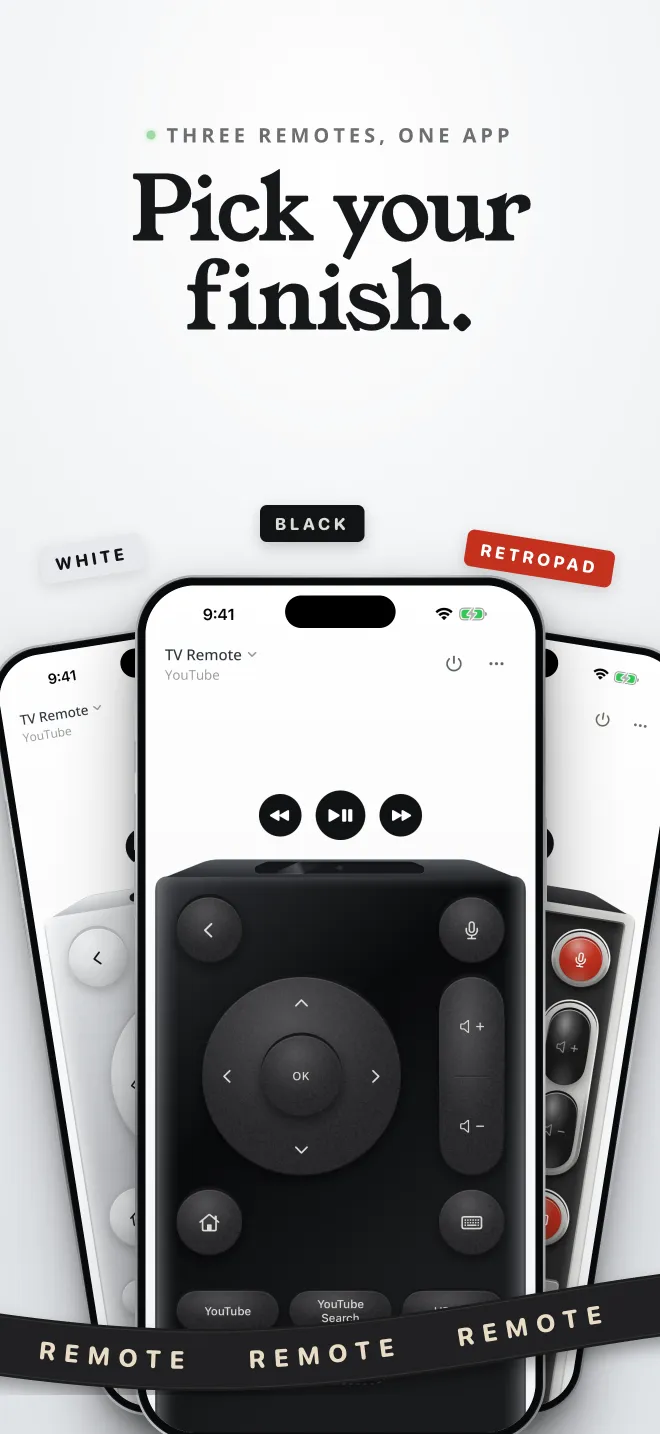
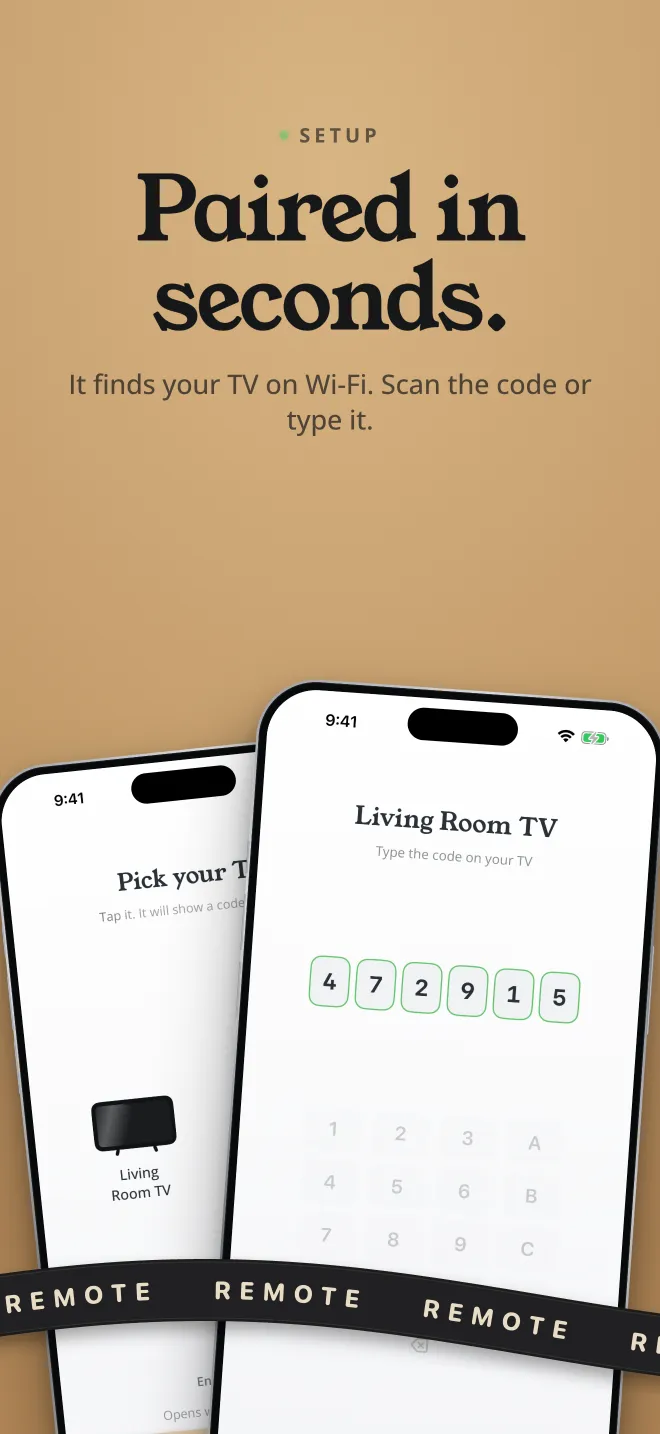
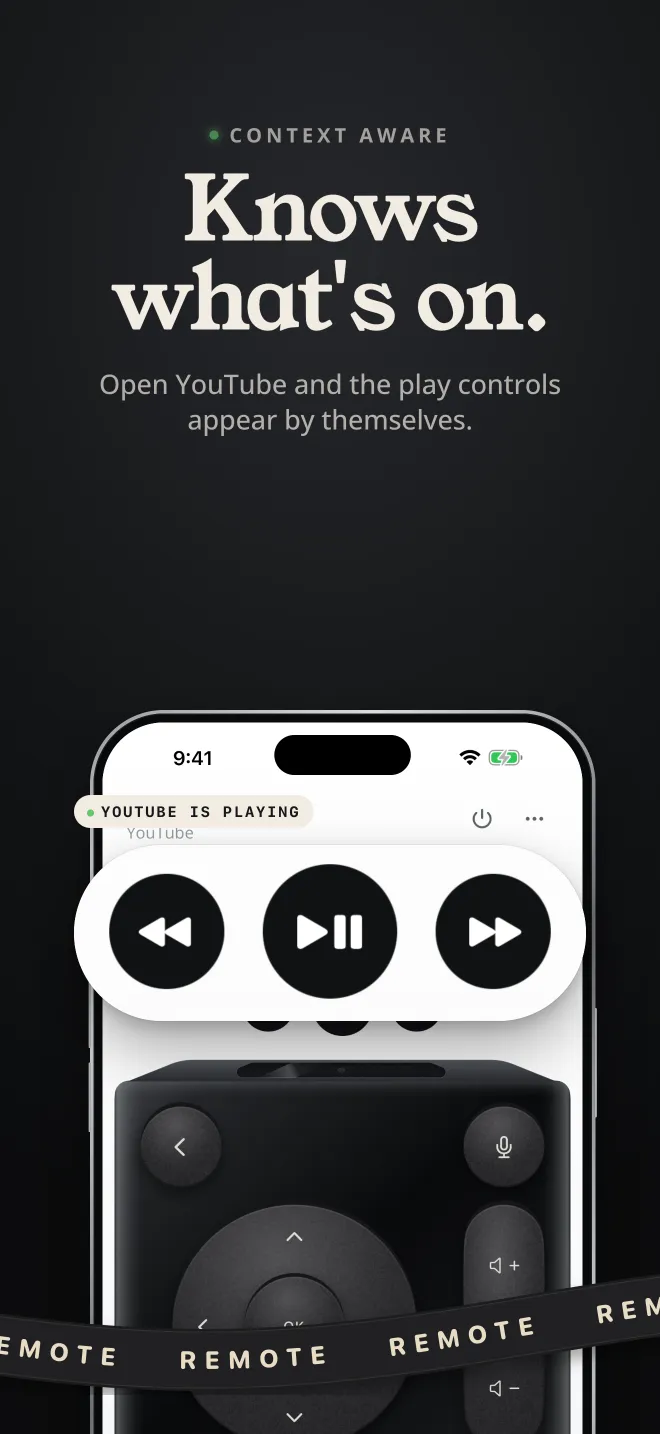
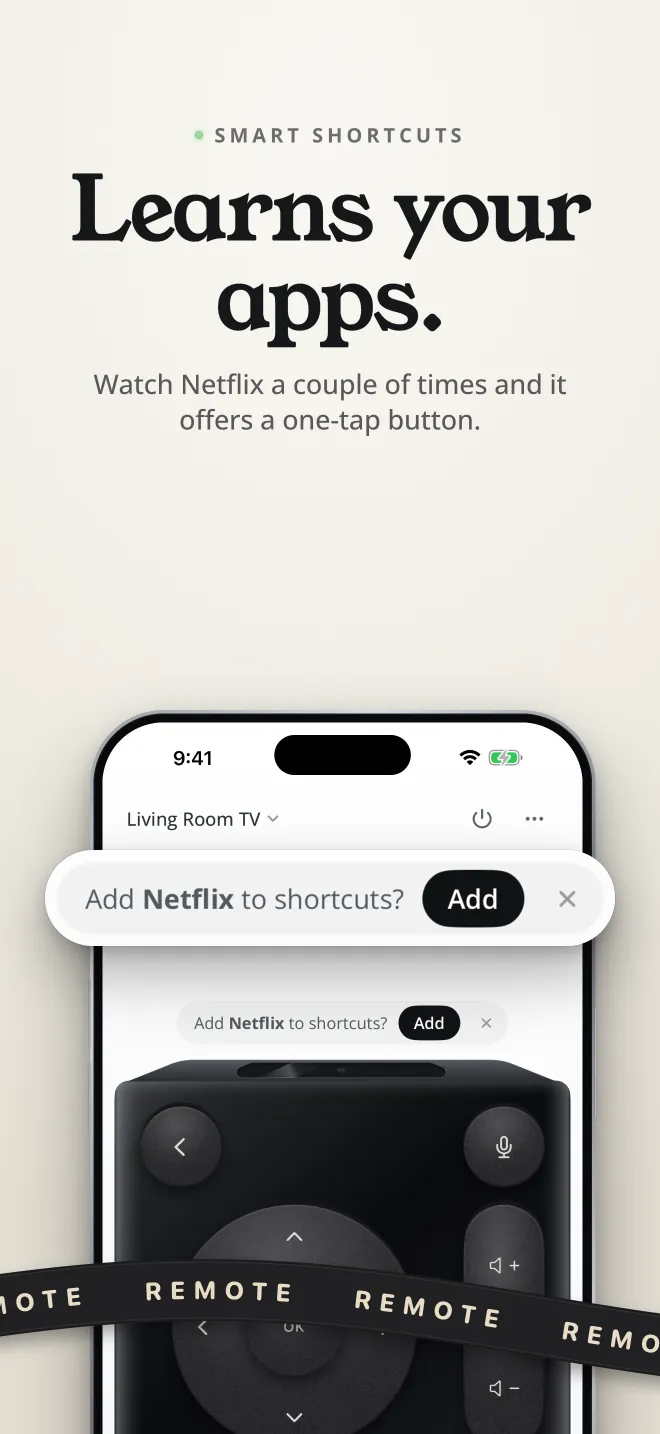
Swipe through all ten App Store screenshots.
Check your TV first
Clickwork speaks the same protocol as Google's own remote. Your iPhone and TV need to be on the same Wi-Fi.
Works with
- Android TV and Google TV televisions: Sony, TCL, Philips, Hisense and others
- Chromecast with Google TV and Google TV Streamer
- NVIDIA Shield and other Android TV boxes
Doesn't work with
- Samsung (Tizen) and LG (webOS)
- Roku and Fire TV
- Apple TV
It talks to your TV. That's all.
Clickwork connects straight to your TV over your home Wi-Fi. There's no account, no server of ours in the middle, and nothing about what you watch leaves your phone.
Read the full Clickwork privacy policy.
Questions
Everything is free for 7 days. After that, one in-app purchase unlocks Clickwork for good. There's no subscription and no daily limit on presses.
Yes. Clickwork talks to the TV directly over your home network. Guest networks that keep devices apart, and some VPNs, will hide the TV.
Usually, yes. Clickwork wakes the TV over Wi-Fi when the TV allows it. If yours doesn't wake, look in the TV's network settings for an option like "Wake on network" or "Network standby" and turn it on.
iOS 26. On earlier versions the mic key is hidden, and everything else works the same, including typing from your phone.
Yes. Pair each TV once, then switch between them from the TV name at the top of the remote.
Put the plastic one in a drawer.
Pair your TV in under a minute and try every key free for a week.
Download on theApp Store