See how much time is left, at a glance.
Time Left turns your countdowns into beautiful Lock Screen and Home Screen widgets, so birthdays, exams, trips, and deadlines are always one glance away.
Free to start · No account needed · Your data stays on your iPhone
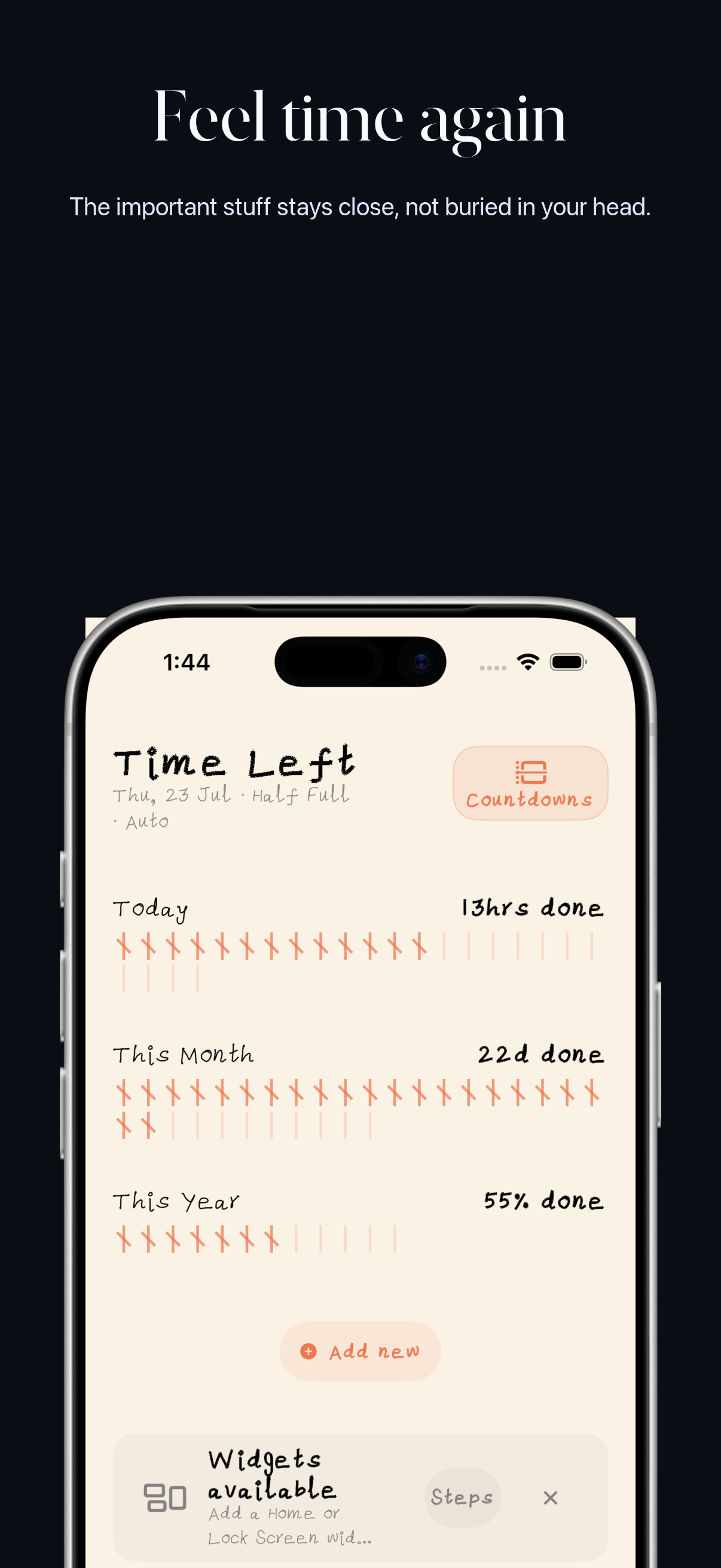
Count down to anything
The days that matter, front and center
Whatever you're waiting for, Time Left keeps the days left honest and visible.
Birthdays
Never lose track. See exactly how many days until the next birthday, and keep counting up after the day arrives.
Exams
Pin the big date. A countdown to exam day keeps your prep honest and your schedule in view.
Trips
From departure day to the count-up after you land, the whole trip lives right on your widgets.
Deadlines
Projects, renewals, and dates that can't slip. Days left, front and center, every time you glance.
Widgets
Made for your Lock Screen & Home Screen
Your countdowns where you actually look. No opening the app, no digging around.
Lock Screen widgets
Glance at the time that's left without unlocking your phone. Add a compact countdown around the clock in a few taps.
Home Screen widgets
Choose a size that fits your screen and keep your next milestone always visible throughout the day.
Inside Time Left
Your time, made visible
Count what matters, shape the view around your life, and keep it close on your iPhone.
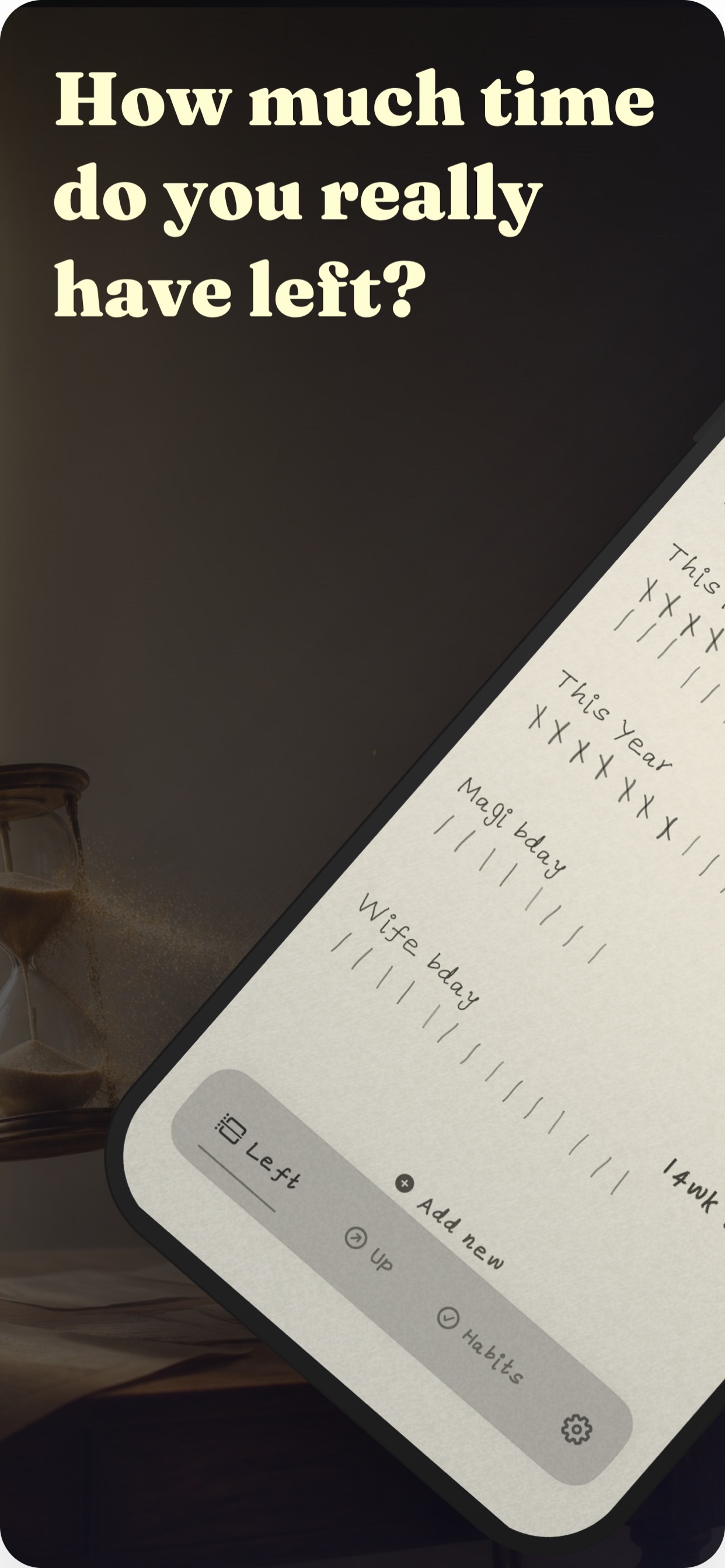
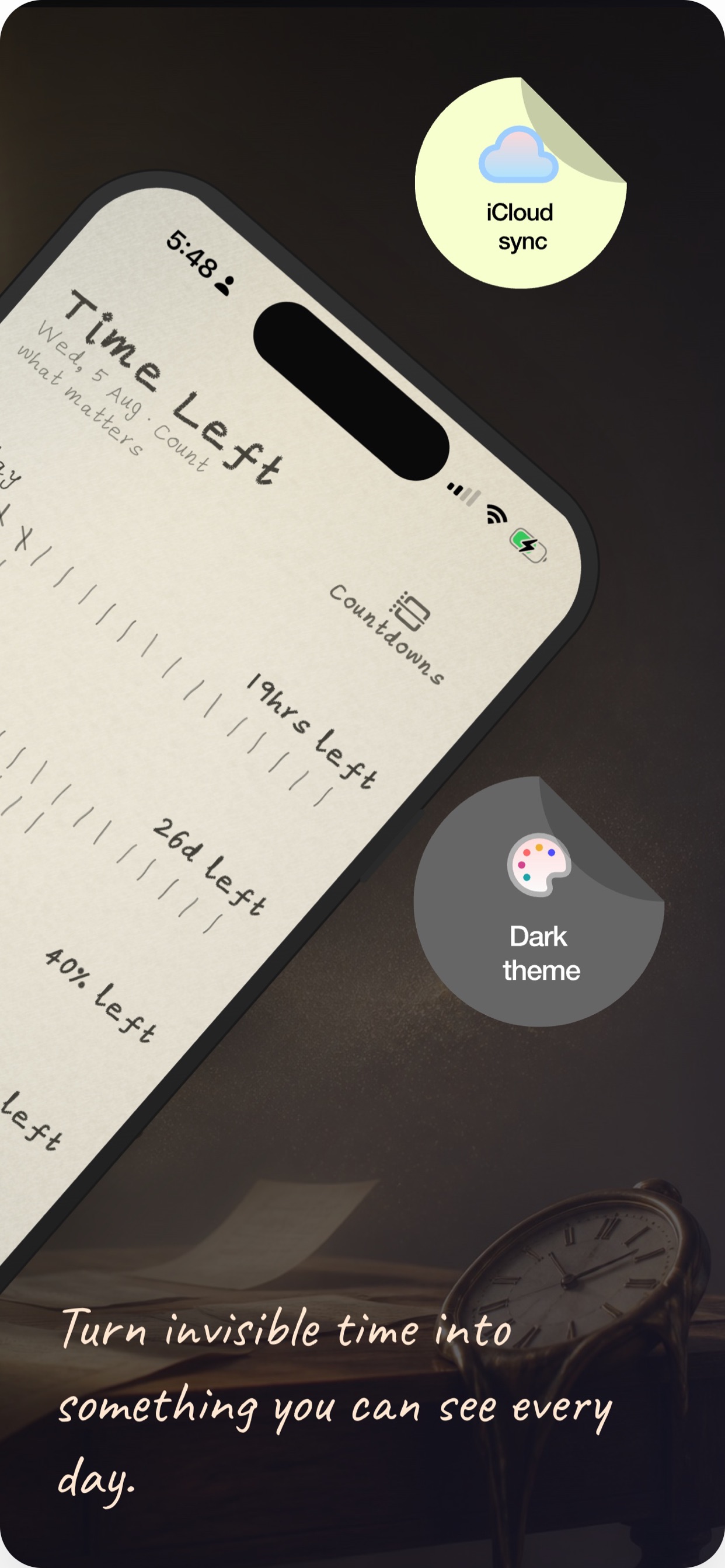
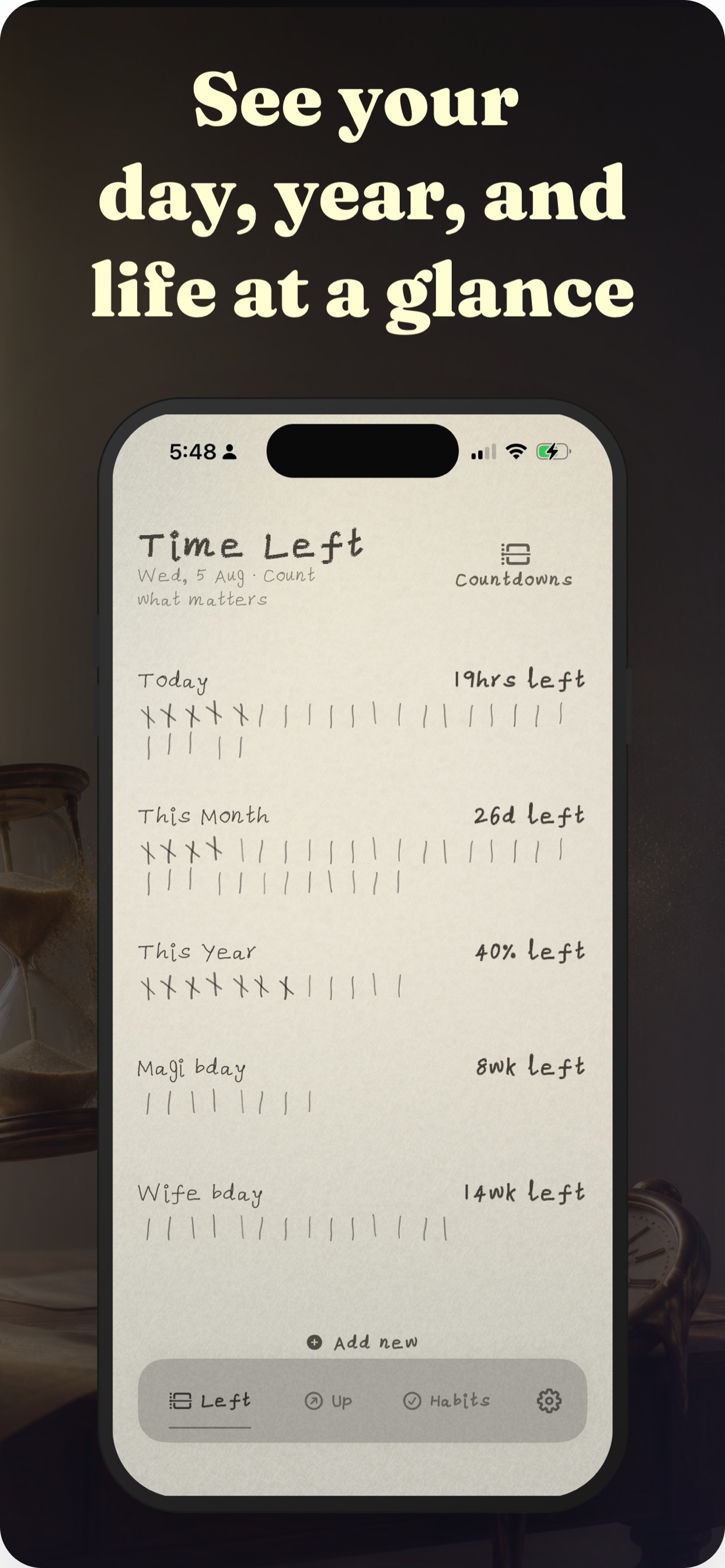
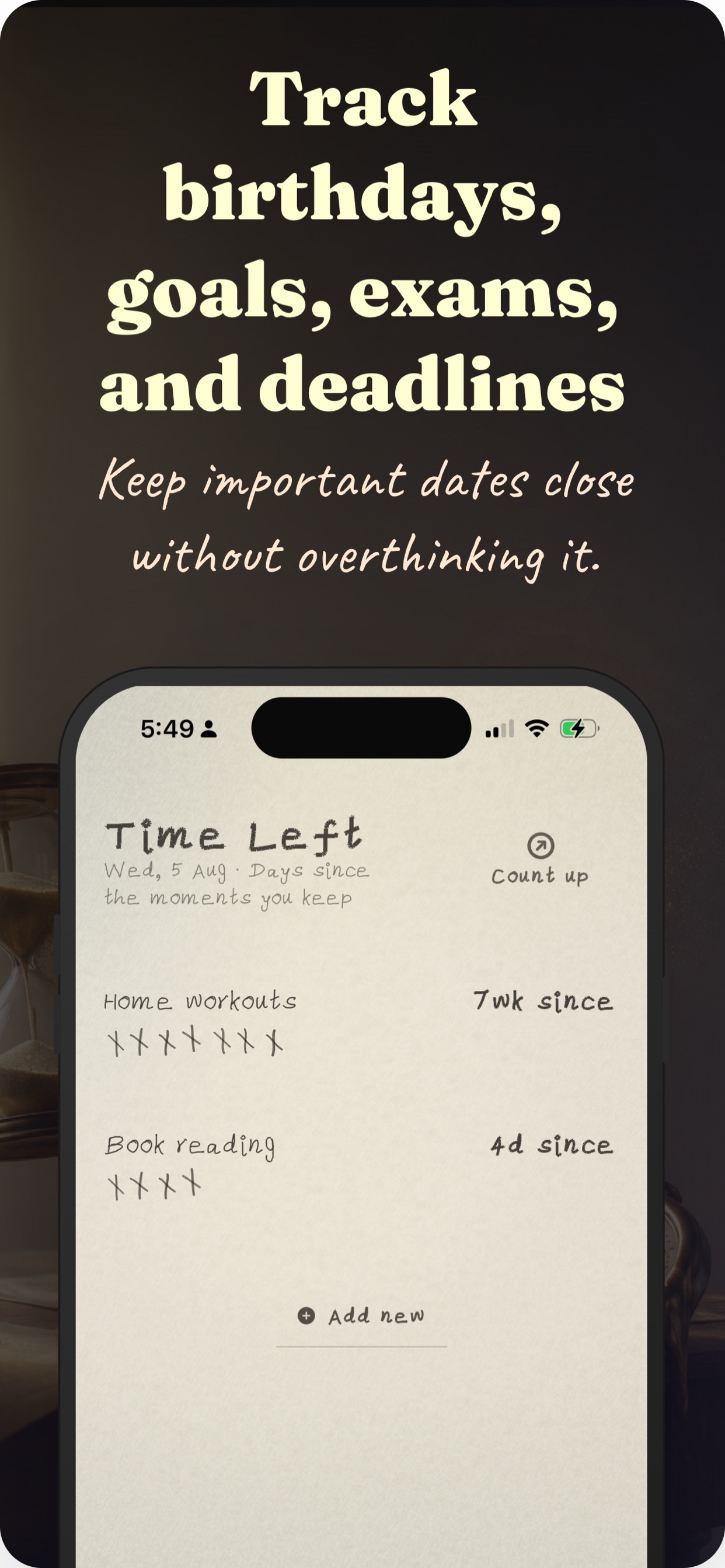
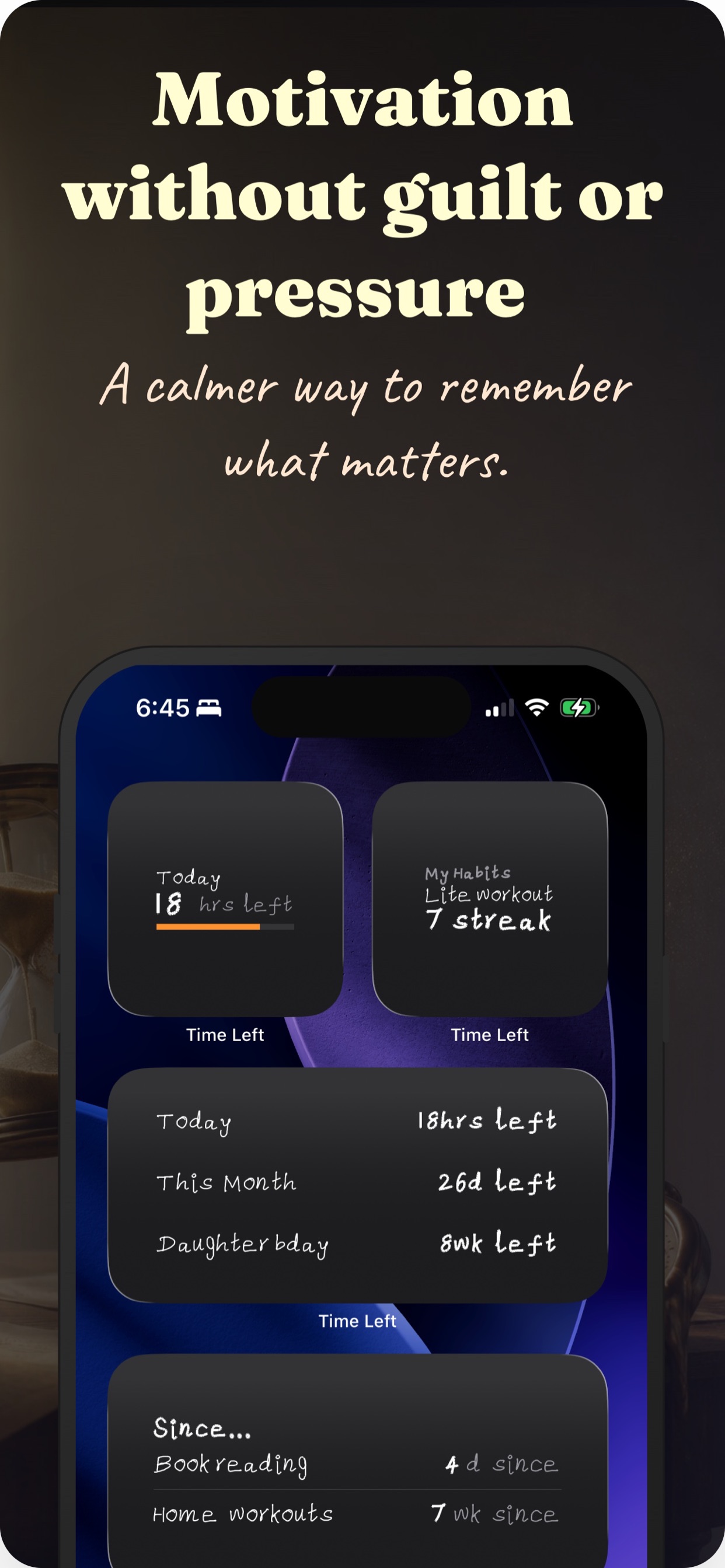
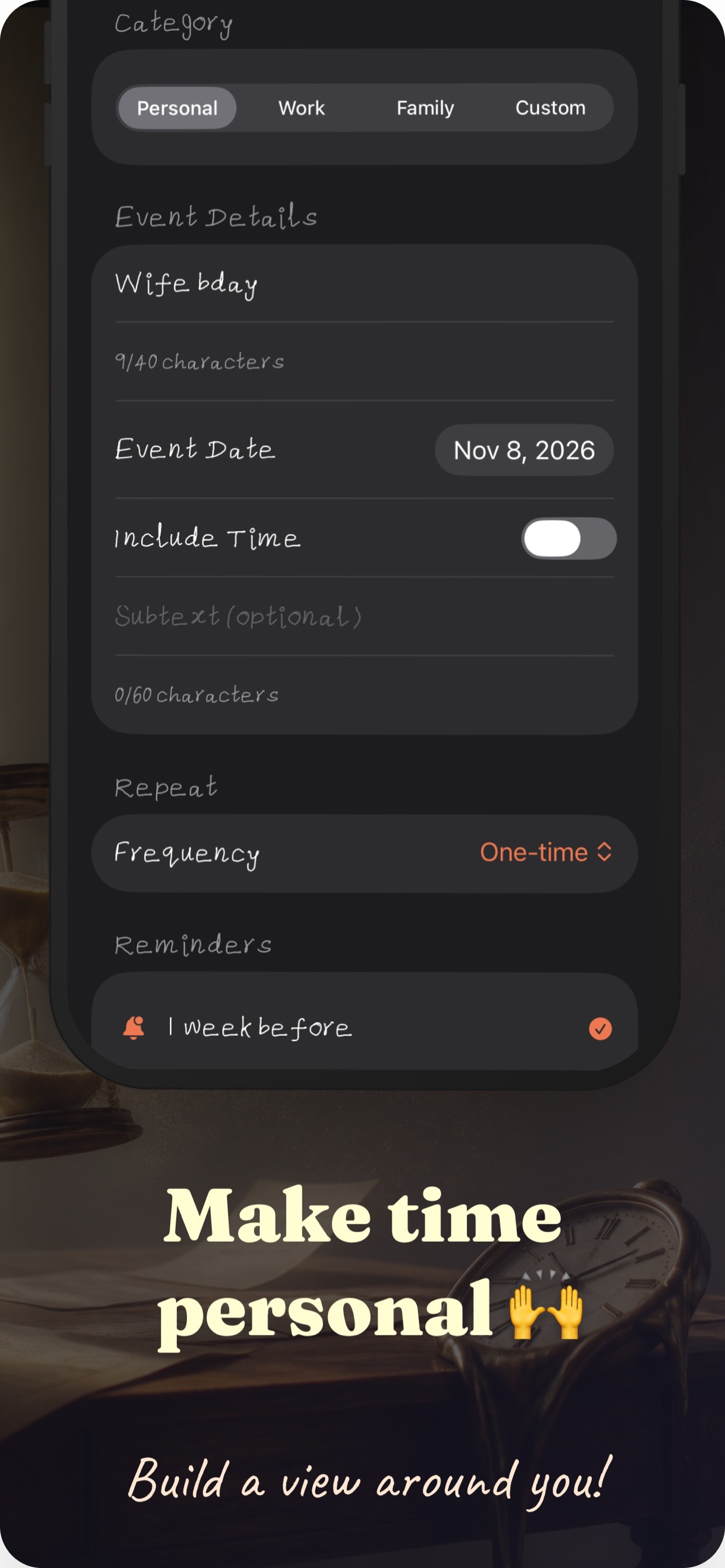
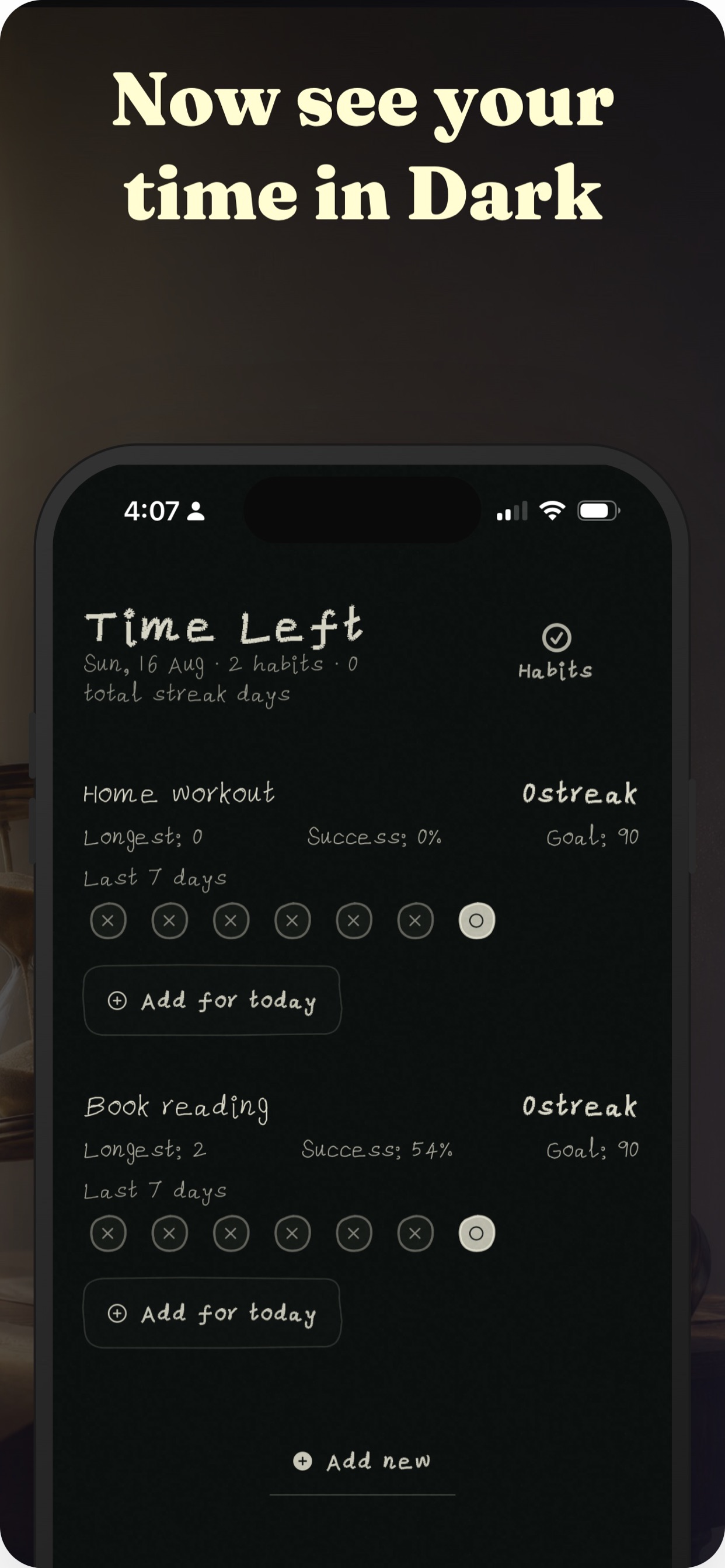
Swipe to see all seven App Store screenshots.
Private by design
Your countdowns stay on your iPhone.
Time Left is built around a simple idea: your schedule is your business. There's no account to create and no server holding your dates.
Read the full policy at time-left-privacy-policy.html.
FAQ
Questions, answered
Press and hold the Lock Screen or Home Screen, tap the + button, search for Time Left, and choose a widget size. On the Lock Screen, tap Customize to place widgets around the clock.
No. Time Left works entirely on your device. There's no sign-up, no login, and no account to create. Just download and start counting down.
Locally on your iPhone. Your events, habits, and settings never leave your device. iCloud Sync is optional and, if you enable it, is handled through Apple's iCloud tied to your Apple ID.
Yes. Allow notification access and set a reminder for any event or habit. Reminders are scheduled on your device, and you control them in the app.
Absolutely. Count down to a future date or count up from one that's passed, in days, hours, and more. Birthdays after the party and trips after the flight keep going on their own.
Start counting down today
Put the days left for your next big moment on the Lock Screen. It takes seconds to set up.
Download on theApp Store